Running a retail store means juggling a lot at once. Tinuku is built to take some of that off your plate. Here are five ways it does that.
Faster Checkout with Flexible Discounts
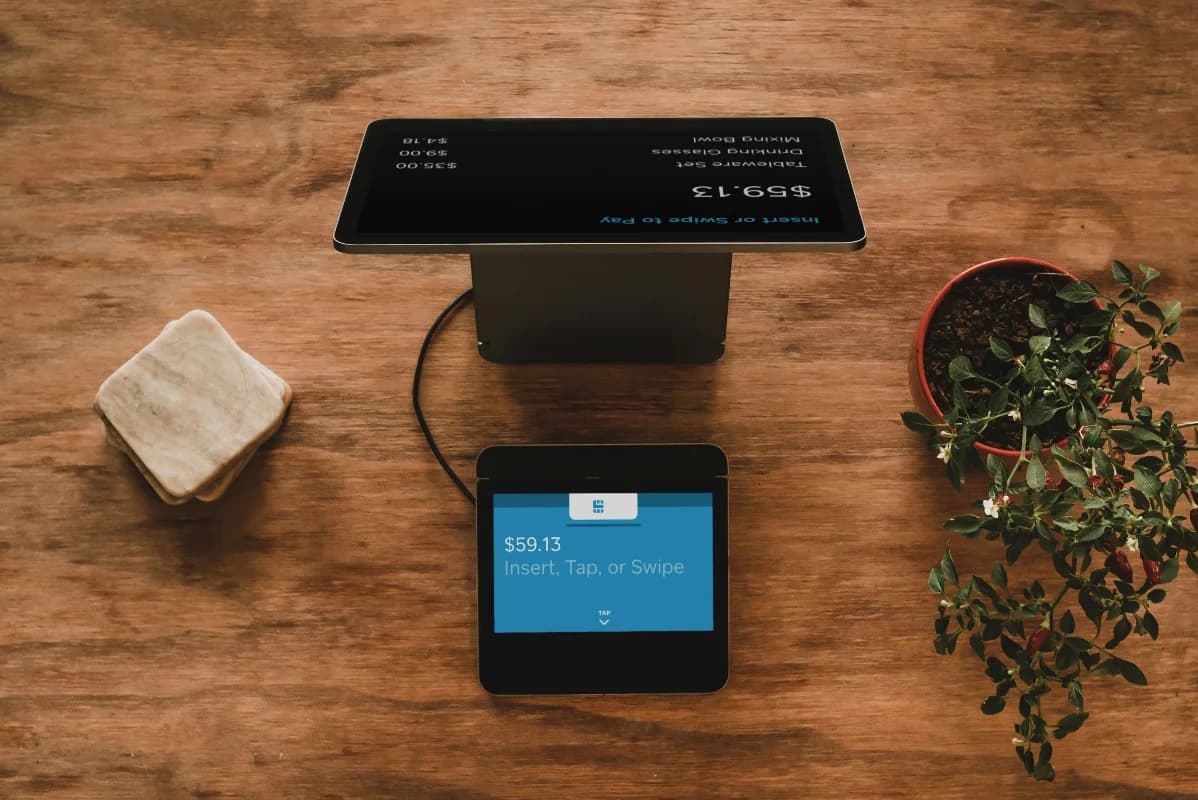
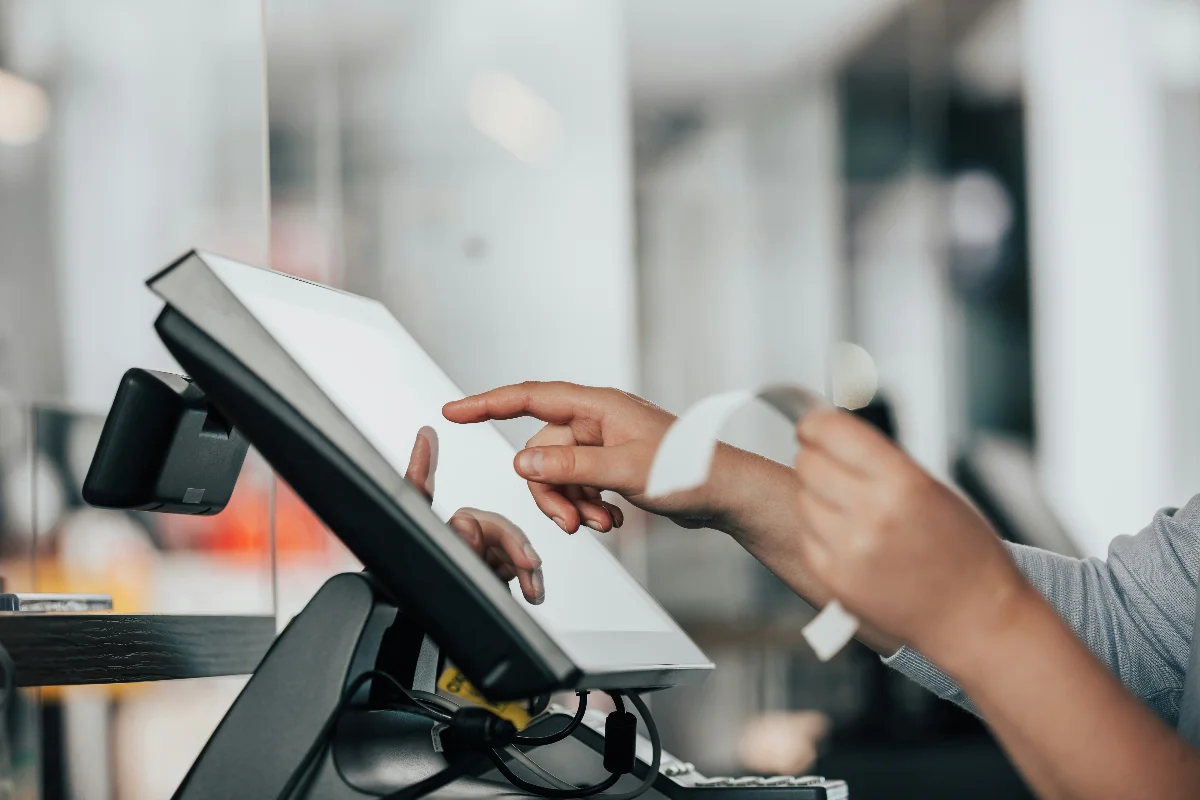
Every second at the counter counts. Tinuku's POS screen makes it easy to search for products and add them to the cart. What sets it apart — you can apply a per-product discount from a pre-configured discount master, or enter a manual transaction discount in Rp or % on the spot, whatever the situation calls for.
Once payment is done, an 80mm thermal receipt is ready to print immediately — no extra steps.
Flexible Payment Method Recording
Tinuku records every transaction by payment method — cash or non-cash (bank transfer, QRIS, etc.). The selection is available in a single cashier interface, and every transaction is logged automatically with WIB (Asia/Jakarta) time for accurate reporting. Reports can also be filtered by payment method.
CODE128 Barcodes Without Extra Software
Every product in Tinuku gets a CODE128 barcode that can be displayed directly on screen or printed for labeling. No separate barcode software needed — it's all built in.
Sales & Supplier Reports Ready to Export

Sales reports can be filtered by date range and payment method. Every transaction can be opened for a detail view directly from the list.
The supplier report is especially useful for store owners — it shows how many units of each supplier's products were sold, along with the total sold value (qty × purchase price). Both reports export to Excel (CSV) or PDF at any time.
Clean Master Data Saves Time Every Day
Products registered with complete details — barcode, photo, expiry date, category, and supplier — make daily register operations much smoother. Discounts can be toggled active or inactive without editing product prices one by one.
For security, access is controlled by role: admin has full access, kasir can only process transactions.